
/ Court Digital Signage /
How to Build a Digital Information System for a City Court
A step-by-step breakdown of implementing a SpinetiX-based digital signage system that made navigating a busy court complex intuitive and efficient. The courthouse — handling thousands of daily visitors including lawyers, defendants, witnesses, and the public — needed reliable wayfinding that could display real-time courtroom schedules, case assignments, and emergency notifications. SpinetiX media players delivered the 24/7 reliability required in this government environment, while Elementi’s data integration connected screens directly to the court’s scheduling database for automatic content updates. city court more convenient for citizens — from data integration and typography to information security.
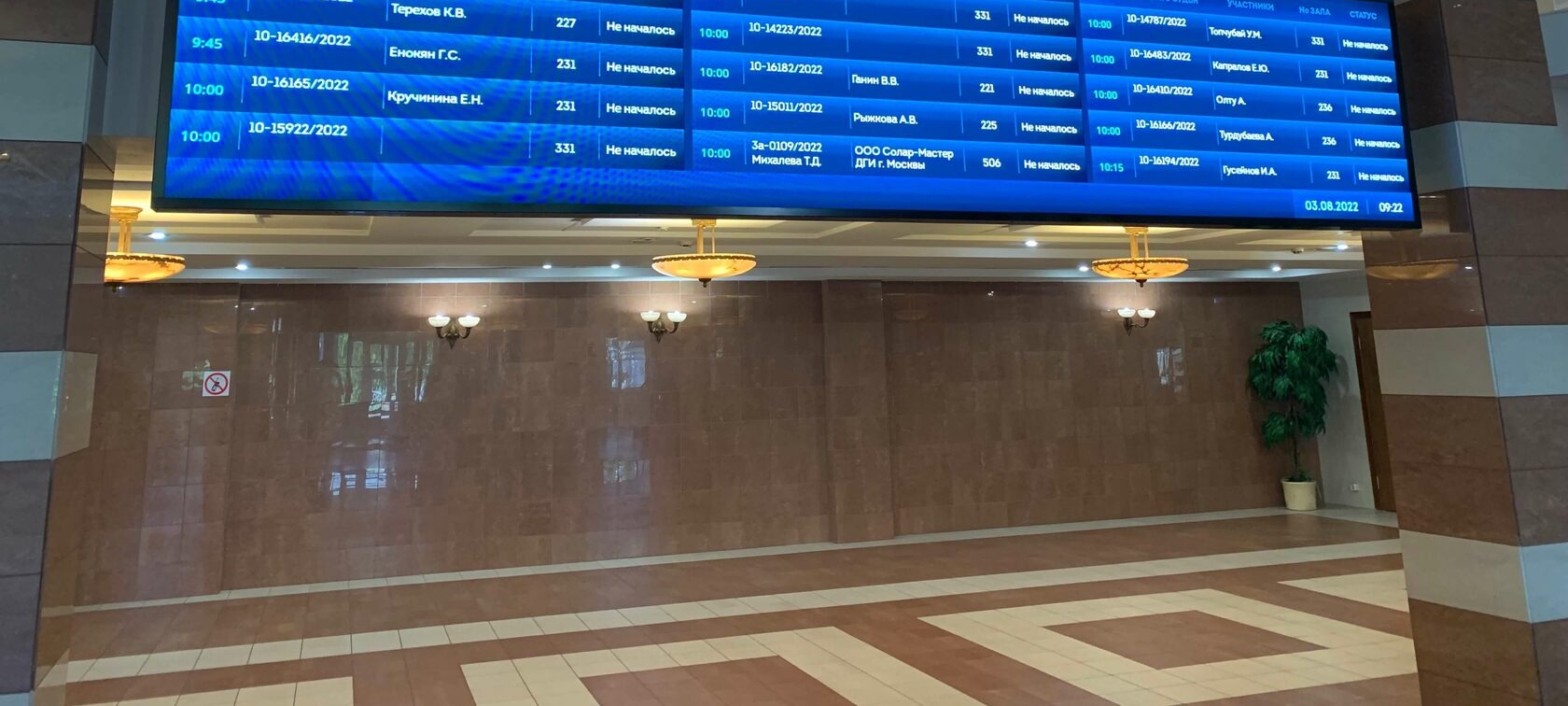
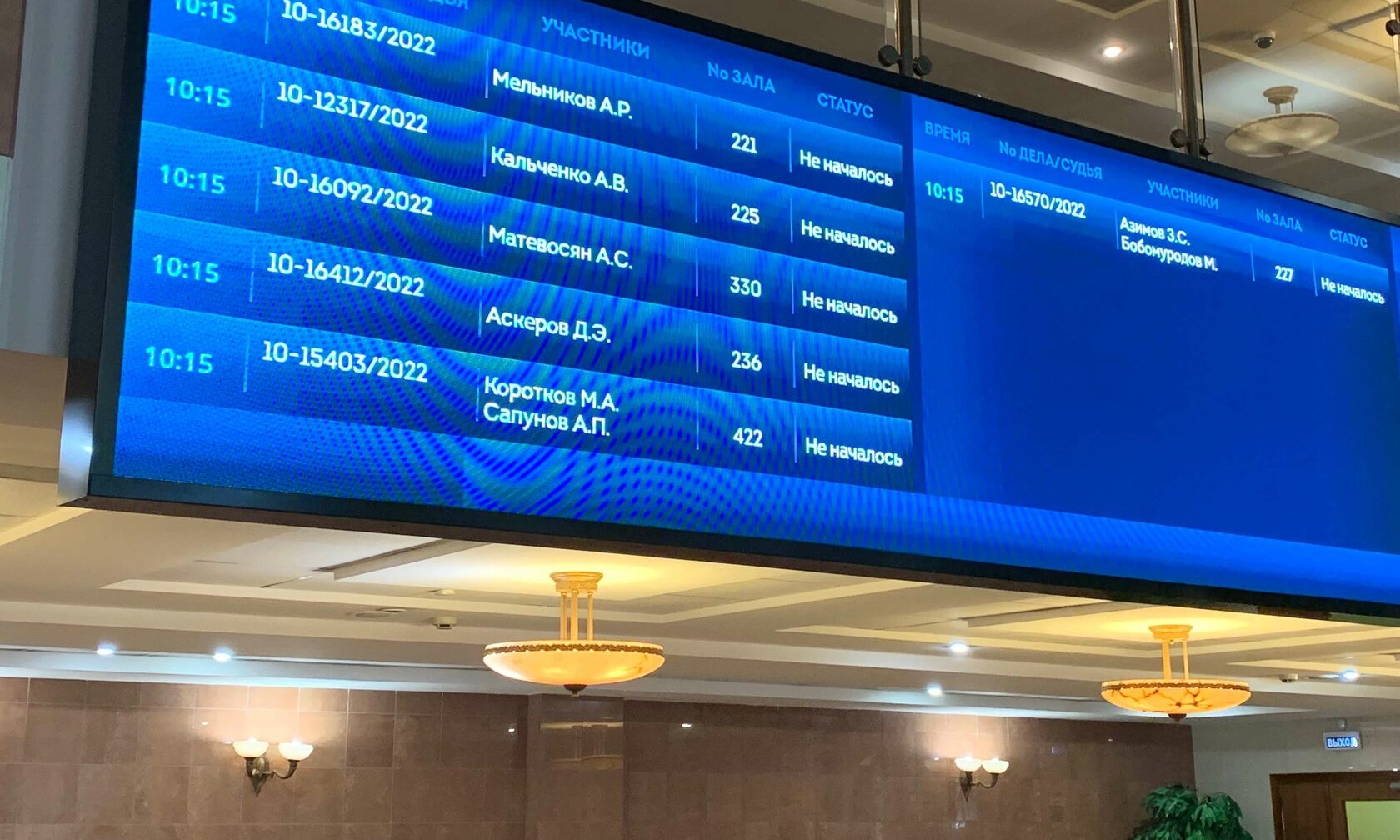
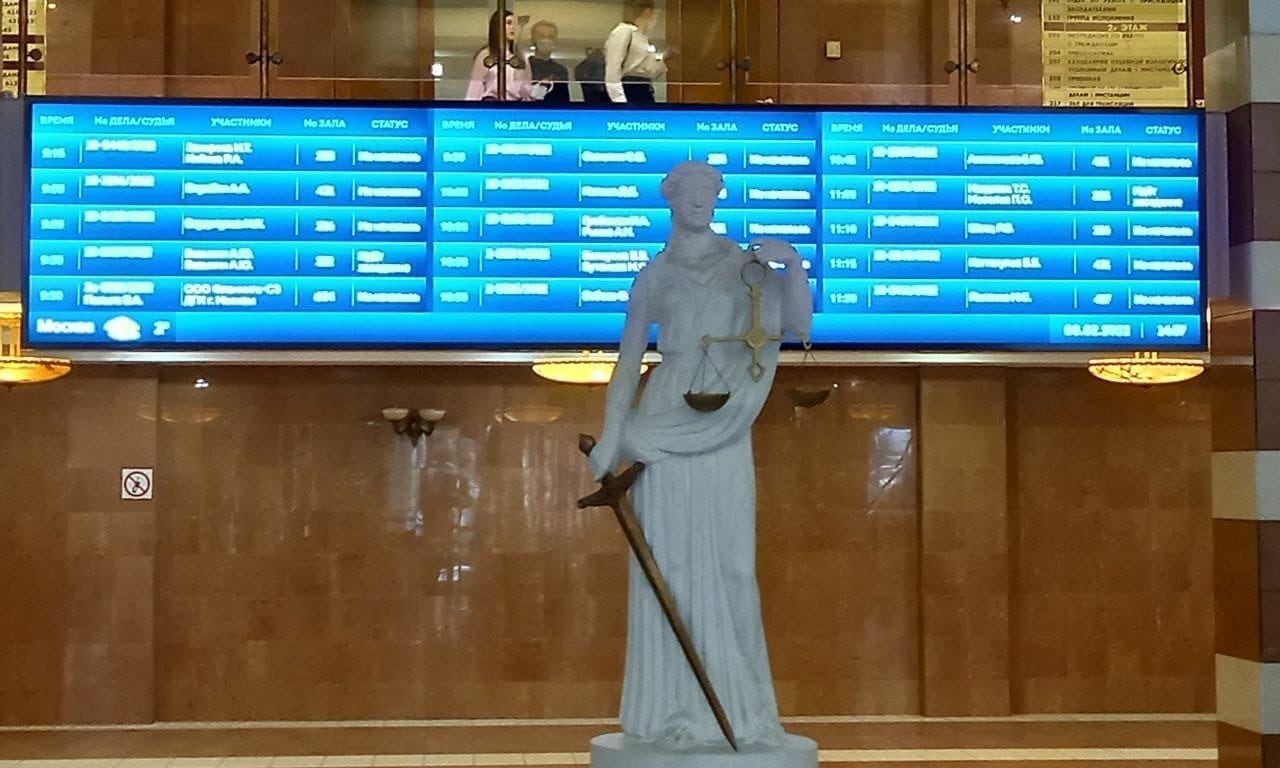
Digital information displays in a city court — automated hearing schedules and visitor wayfinding
Digital signage system at Moscow City Court
Requirements
The court administration needed a digital information system that met five non-negotiable criteria:
- ① Automatic data updates — hearing schedules must refresh automatically from the court database, without manual intervention
- ② Multi-screen synchronization — identical content playing simultaneously across all screens in the building
- ③ Intuitive interface — court staff (not IT specialists) must be able to manage the system
- ④ Easy editing — quick content changes for announcements, alerts, and schedule modifications
- ⑤ Information security — the system must comply with strict government data protection requirements
Screen Brightness: A Common Mistake
When installing digital screens in public buildings, screen brightness is often overlooked. Four pitfalls to avoid:
Typography Rules for Public Screens
In government environments, information must be readable at a glance. Here are the typography principles we applied:
- ▸ Alignment. Left-aligned text for long schedules — people read left-to-right. Center alignment only for short notices and headings.
- ▸ Font family. Sans-serif fonts that people recognize instantly: PT Sans, Futura, Open Sans, Montserrat. Familiar fonts reduce reading time.
- ▸ Font size. Minimum 17px for interior screens — large enough to read from 2–3 meters without eye strain.
- ▸ Line spacing. Generous line height — the gap between lines must be visually larger than word spacing. Smaller fonts demand proportionally more line height to prevent text from merging into an unreadable wall.
Data Integration
The core functionality — displaying hearing schedules automatically — required integration with the court's internal database. SpinetiX handles any data format (ICS, CSV, JSON, XLSX), and the team configured custom widgets to present the data in a clear visual layout.
Key principles of the integration:
- ▸ No changes to existing systems required — SpinetiX reads from the court database without modifying it
- ▸ Custom widget design — any layout, any scenario, any screen format
- ▸ Format flexibility — SpinetiX processes raw data from any source and renders it in the required design
- ▸ Any display, any quantity — from a single information kiosk to a network of screens across the building
Results
- Improved Visitor Experience Citizens navigate the court building faster and more confidently, with real-time hearing schedules visible from the entrance.
- Zero Manual Data Entry Hearing schedules update automatically from the court database — no staff time wasted on manual screen updates.
- Government-Grade Security The system meets strict data protection requirements — SpinetiX reads from the database without modifying or exposing sensitive information.
Technology Used
- ▸ SpinetiX media players
- ▸ Elementi content editor
- ▸ Custom data integration widgets
- ▸ JSON/CSV/XLSX data feeds
Key Features
- ▸ Automated schedule display
- ▸ Multi-screen synchronization
- ▸ Government security compliance
Need digital signage for a government facility?
We specialize in information systems that meet strict security and accessibility requirements.